Muesli: Offline, on-device speech-to-text with auto meeting transcriptions.
Open-source (MIT) macOS speech-to-text and meeting transcription app running on-device.
Visit Muesli →Free Offer Details
Free Type
Open Source
Credit Card
Unknown
Verification
AI-assisted source check
About Muesli
Offline, on-device speech-to-text with auto meeting transcriptions.
Real-time dictation and automatic meeting transcription on macOS.
Muesli is a powerful, completely free Open Source speech-to-text application designed for macOS users who value privacy and offline functionality. Unlike many dictation tools that rely on cloud-based processing, Muesli leverages on-device local AI inference to transcribe speech directly on your machine, ensuring your data never leaves your computer. This local-first approach not only enhances security but also eliminates latency, making it ideal for real-time dictation and automatic meeting transcriptions. As a Muesli free Open Source project, it is released under the permissive MIT license, meaning there are no usage limits, no subscription fees, and no credit card required. You can download the app directly from GitHub or install it effortlessly via Homebrew with a single command. The tool integrates seamlessly with your macOS calendar, automatically capturing and transcribing meetings as they happen, so you never miss a detail. Smart hotkey support allows you to start dictation instantly, and the transcribed text can be pasted into any input field with proper accessibility permissions. Muesli free Open Source nature encourages community contributions, ensuring continuous improvement and transparency. The app handles typical challenges like app permissions gracefully, with clear FAQs to guide you through granting Accessibility and Input Monitoring access. Whether you're a journalist conducting interviews, a student taking lecture notes, or a professional in back-to-back meetings, Muesli provides a reliable, distraction-free dictation experience without an internet connection. The Muesli free Open Source commitment also means you can inspect, modify, and distribute the code, aligning with the values of digital sovereignty and user empowerment. By keeping everything on-device, Muesli respects your privacy and aligns with the ethos of free speech, allowing you to express ideas without surveillance. With its blend of robust performance, intuitive design, and uncompromising principles, Muesli stands out as a must-have tool in the AI audio category for anyone seeking a cost-free, private, and open alternative to commercial dictation software.
Muesli is listed on FreeAIList because its published information describes a open source — meaning the software is described as open-source; check hosting and usage costs for your deployment. AI-assisted review of the tool's published information.Check the tool's own website for current offer terms.
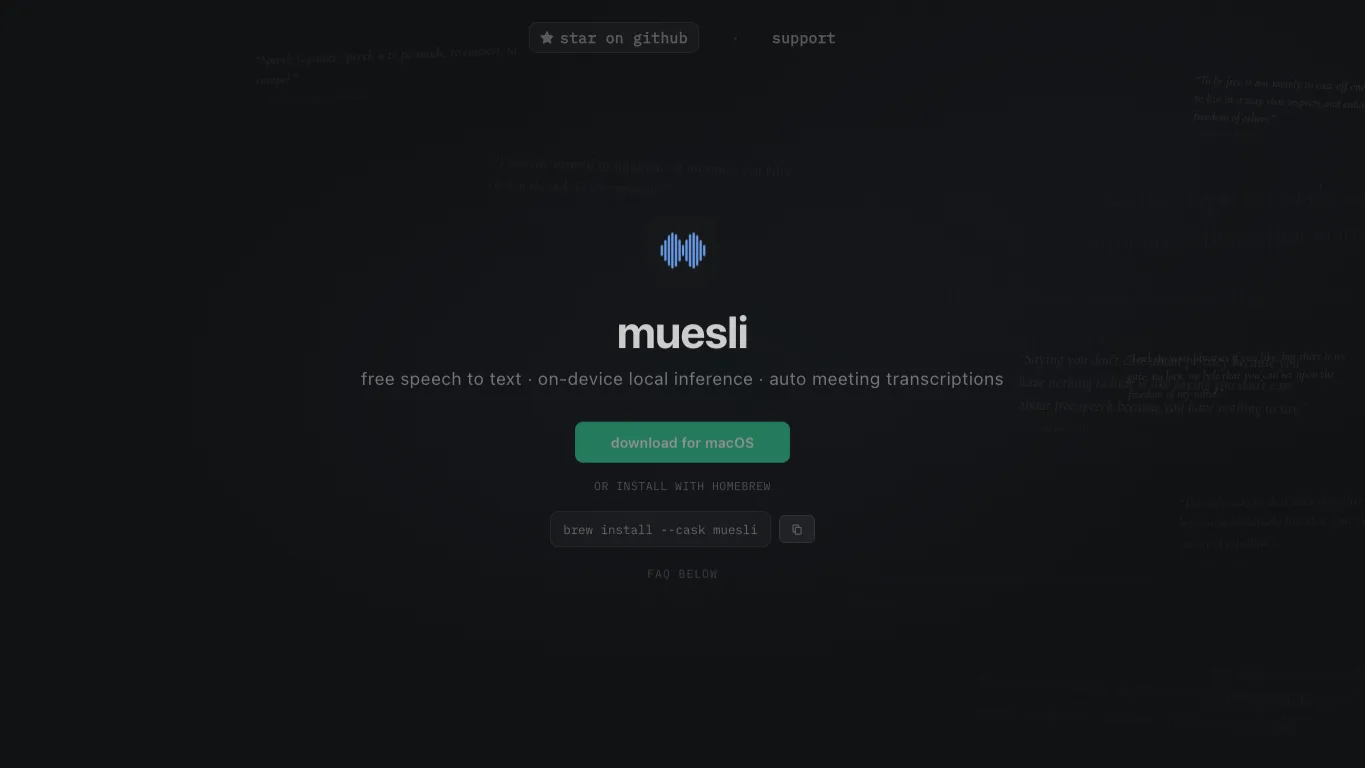
Key Features of Muesli
- Offline speech-to-text processing
- On-device local AI inference
- Automatic meeting transcriptions
- Real-time dictation on macOS
- Seamless hotkey activation
- No internet required
- Completely free and open source
- MIT license, no usage limits
- Homebrew installation support
- Calendar integration for meetings
Who Should Use Muesli?
Muesli is a good fit if you need audio capabilities and want to start without a financial commitment. The free open source is particularly useful for:
- Individuals and freelancers evaluating ai audio tools before committing to a paid plan.
- Students and researchers who need occasional audio access without a subscription.
- Developers and builders prototyping with ai audio features at no cost.
How to Get the Free Open Source
Getting Muesli's free open source only takes a few minutes. Open Muesli's website then follow these steps:
- 1. Navigate to the Muesli GitHub releases page.
- 2. Download the latest .dmg installer.
- 3. Install by dragging Muesli to your Applications folder.
- 4. Open Muesli and follow the prompts to grant necessary permissions.
- 5. Alternatively, run 'brew install --cask muesli' in Terminal.
Frequently Asked Questions about Muesli
- Is Muesli really free?
- Yes. Muesli provides a genuinely free option: Open-source (MIT) macOS speech-to-text and meeting transcription app running on-device.. FreeAIList checks each free offer against the tool's own website before listing it — not copied from a third-party page.
- Does Muesli require a credit card for the free tier?
- Credit card requirements for Muesli are unconfirmed — check their signup page directly before entering any payment details.
- How much free usage does Muesli provide?
- Open-source (MIT) macOS speech-to-text and meeting transcription app running on-device.
- What can I use Muesli for with the free plan?
- With the free plan, you can Real-time dictation and automatic meeting transcription on macOS.. This covers the most common use cases without any payment.
More Free AI Audio Tools
Other free tools in the AI Audio category on FreeAIList: